
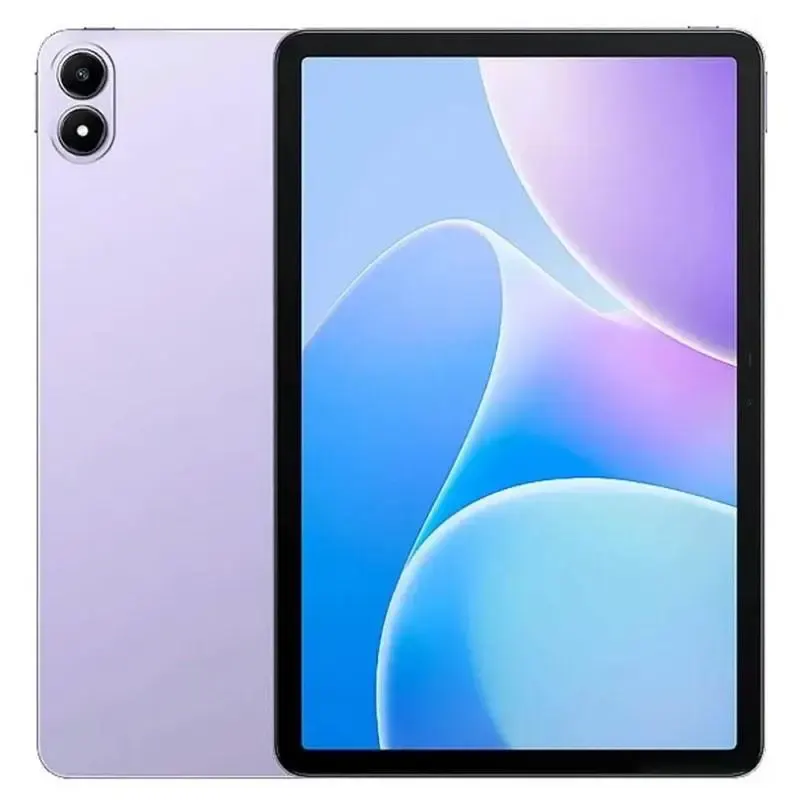
Details
- Category
- Items · Electronics
- Location
- Port Vila, Efate
Bellevue - Condition
- New
- Posted
- 16 Nov 2026
Description
**Infinix XPad 30E X1102B Tablet – 4GB RAM / 128GB Storage – Purple**
Enjoy entertainment, browsing, learning, and everyday productivity with the Infinix XPad 30E tablet. Featuring a large 11-inch display, generous storage, and a stylish purple design, it's ideal for both work and leisure.
**Key Features:**
- **11-inch Display** – Great for watching videos, browsing, and studying
- **4GB RAM** – Suitable for everyday apps and multitasking
- **128GB Storage** – Plenty of space for photos, videos, apps, and documents
- **Large Touchscreen** – Comfortable viewing and easy navigation
- **Stylish Purple Design** – Modern and lightweight-looking finish
Perfect for students, families, entertainment, online learning, and everyday use.
**Brand:** Infinix
**Model:** XPad 30E (X1102B)
**RAM:** 4GB
**Storage:** 128GB
**Colour:** Purple
**Condition:** New
New
Infinix X1102B Tablet 4/128GB Purple
VT 27,600
Port Vila, Efate · Bellevue

Island Market Electronics
On Island Market since November 2026
5 listings · Business
No reviews yet
Visit the storeStay safe
- Meet in a safe public place, and inspect the item before you pay.
- Be careful with deposits and advance payments.
- For vehicles and property, check ownership papers and details first.
Similar listings
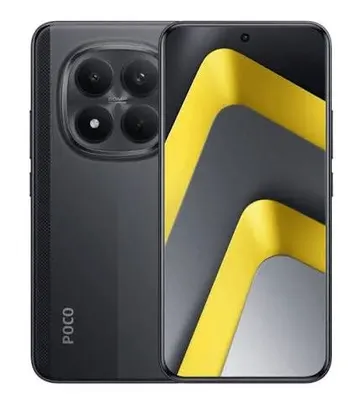 VT 35,600
Xiaomi POCO M8 512GB 12GB 5G Black
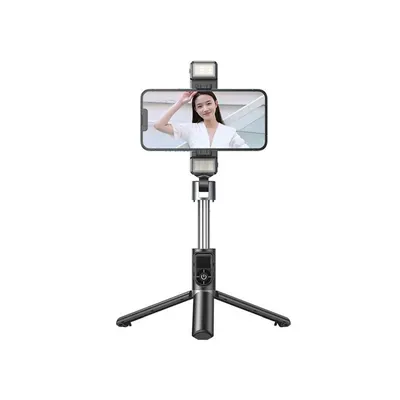 VT 1,100
Live Stream Holder P13 Black
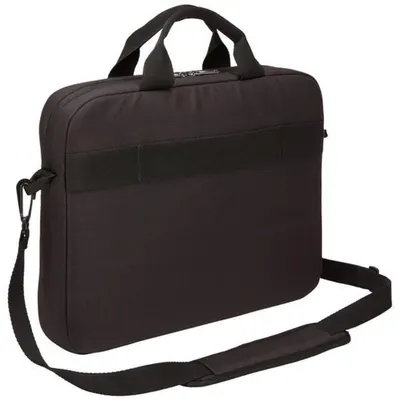 VT 2,500
14-Inch Laptop Bag
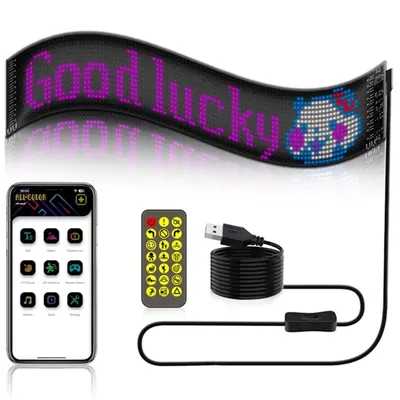 VT 6,500
Customizable Car LED Display
 VT 3,900
Oukitel BT10 Smartwatch
 VT 4,500
JBL Go Essential Mini Bluetooth Speaker Black
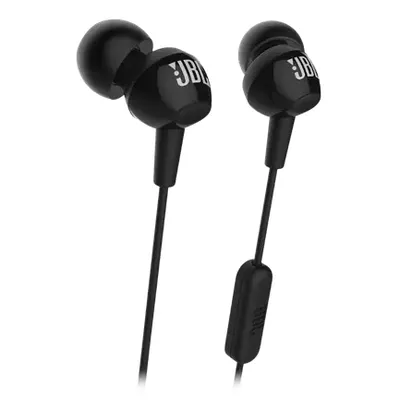 VT 1,500
JBL C150SIU In-Ear Wired Headphones Black